
Table of Contents
ToggleWhen Bethesda brought The Elder Scrolls V: Skyrim to the Nintendo Switch in 2017, it became the ultimate portable dragon-slaying experience. Fast forward to 2026, and Skyrim on Switch remains a compelling option for players who want to explore Tamriel on the go. Whether you’re switching from PC, coming from other console versions, or diving into the game for the first time on portable hardware, understanding how this version compares is essential. The Switch release brought unprecedented accessibility to one of gaming’s most beloved RPGs, but it also comes with trade-offs in graphics and performance that deserve attention. This guide walks you through what makes Skyrim on Switch unique, what to expect technically, and how to get the most out of your adventure.
What Makes Skyrim on Switch Different from Other Platforms
Skyrim on Switch isn’t just a downgraded port, it’s a deliberate redesign tailored for portable play. The most immediate difference is how the game handles fidelity versus portability. Unlike the PC or PlayStation 5 versions that prioritize visual polish, Switch optimization focuses on maintaining playability during handheld mode while keeping load times manageable.
The control scheme reflects this philosophy. Switch uses motion controls and button mapping that feel foreign if you’re coming from a controller-based game, but become intuitive once you adjust. The game strips out some advanced graphics settings found on other platforms, things like ambient occlusion, volumetric lighting, and high-resolution textures get scaled back significantly.
Another key difference is mod support. While PC Skyrim offers virtually unlimited modding through Skyrim console commands and external tools, Switch offers a curated selection of mods from Bethesda’s Creation Club library. This means you can’t install community mods directly, which limits customization for players chasing specific tweaks. The Anniversary Edition brought additional content and mods to Switch, expanding what you can do without relying on external modifications.
Frame pacing also differs substantially. The PC version can hit 60+ FPS at high settings, whereas Switch targets 30 FPS during exploration and can dip during combat-heavy moments. Even though this, the experience remains surprisingly smooth for a handheld device handling a game of Skyrim’s scope.
Performance and Technical Specs: What to Expect
Graphics Quality and Resolution
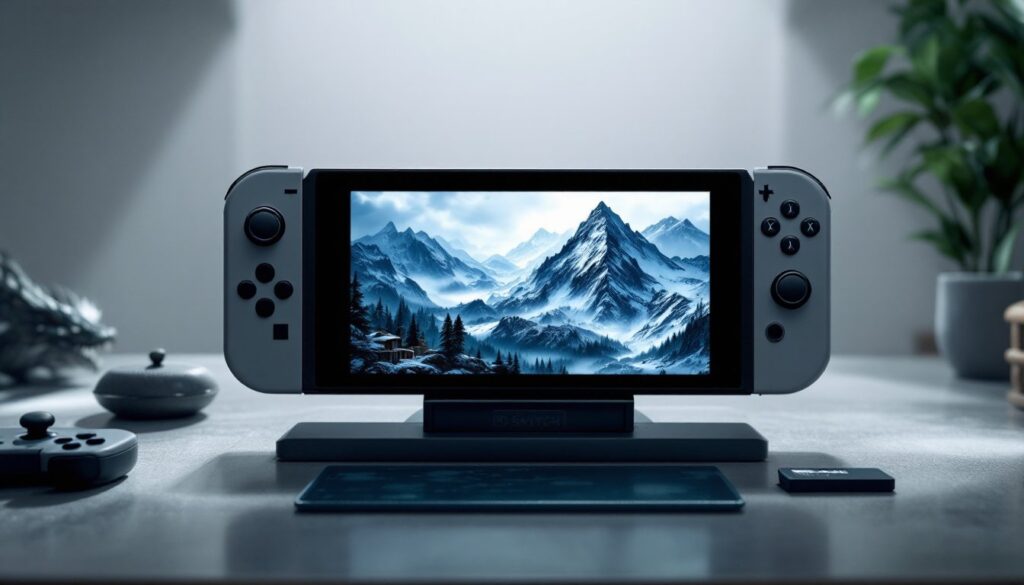
Skyrim on Switch renders at 1080p when docked and 720p in handheld mode, neither pushes the Switch’s hardware to its limits, but that’s intentional. The resolution drop from docked to portable is necessary to maintain frame stability when you’re playing away from a TV. Textures are downscaled across the board compared to higher-end versions. You’ll notice terrain looks flatter, distant objects lack detail, and water effects appear more basic. Indoor dungeons fare better visually since the closed environments don’t demand as much rendering overhead.
The trade-off isn’t catastrophic. The game remains visually coherent and atmospheric, the snow-capped mountains of Skyrim still feel majestic, even if they lack the crystalline detail of a high-end PC setup. Shadows are softer, draw distance is reduced, and some particle effects get simplified. Lighting still captures the essence of Skyrim’s day-night cycle, though it lacks the nuance of mods like ELFX: The Ultimate Guide found on PC.
Frame Rates and Load Times
Frame rate stability on Switch hovers around 30 FPS, which feels sluggish compared to 60 FPS on other platforms but becomes acceptable once you’re immersed. Combat feels responsive enough, though fast-moving enemies during intense battles can create stuttering. Loading times are noticeable, entering a building, dungeon, or fast-traveling takes 5-10 seconds depending on the location. That’s longer than PC but acceptable for a handheld device.
The Anniversary Edition for Switch 2 (if you’re playing on newer hardware) shows modest improvements in stability and slightly faster load times, though raw frame rates remain around 30 FPS. Docked mode is generally more stable than handheld, so if you’re switching between portable and TV play, expect occasional frame drops when using the kickstand. According to RPG Site’s comparison of, the generational upgrade handles crowded cities more consistently.
Essential Tips for Playing Skyrim on Switch
Manage your expectations on performance. The 30 FPS experience is real, and if you’re a veteran of high-FPS gaming, the jump feels significant initially. Give yourself 2-3 hours to acclimate. The game’s art direction compensates for technical limitations better than you’d expect.
Save frequently and in different slots. The Switch version has been known to crash during heavy autosave moments, particularly in cities with dense NPC populations like Solitude. Create manual saves regularly and rotate between multiple save files to avoid losing progress.
Prioritize essential gear over graphics mods. Since you’re limited to Creation Club mods, focus on quality-of-life additions rather than cosmetic tweaks. Content expansion mods like fishing and survival mechanics offer more value than trying to replicate PC visual mods. Community discussions around Skyrim Switch Mods: Your show that gameplay-focused additions outweigh cosmetic changes on this platform.
Use the motion controls strategically. Combat with motion controls takes practice but becomes intuitive for archery and spellcasting. Melee combat is often easier with traditional button-based controls. Experiment early to find your preference.
Keep game install size in mind. Skyrim with all Creation Club content takes significant space on your microSD card. Get a high-capacity card (128 GB or larger) if you’re installing this plus other games. The Anniversary Edition is particularly hefty.
Fast travel wisely. While fast travel is available, using it across distant locations sometimes causes loading stutters. Breaking long journeys into multiple shorter fast travels prevents some stability issues. Alternatively, using mounts like Skyrim Horses: Your Complete creates immersive travel without technical strain.
Combat becomes more tactical. With fewer visual effects and potential frame issues during chaos, focus on positioning and stamina management. Melee builds benefit from powerful Skyrim Weapons: Unlock Legendary Power and Customize Your Combat Experience that stagger enemies, giving you breathing room.
Conclusion
Skyrim on Switch is a genuine accomplishment in portable gaming, delivering a complete, explorable open world that fits in your hands. It’s not identical to PC or other console versions, but the difference is philosophical rather than dealbreaking. If you value flexibility, playing wherever, whenever, Switch excels. Yes, you’re trading cutting-edge graphics and modding freedom for portability, but the core Skyrim experience remains intact. Whether you’re new to the game or revisiting Tamriel for the tenth time, the Switch version deserves consideration.